
.png)
Description
Download Teacher Story – Free Browser‑Based Tactical RPG for Teachers
Overview
Teacher Story is a free, browser‑based strategy game that puts you in the shoes of a classroom teacher tasked with improving student grades through tactical, turn‑based RPG combat. The game blends classic tactical RPG mechanics with a quirky educational twist: each “battle” represents a lesson plan, and every action you take—whether it’s assigning homework, giving a pop‑quiz, or managing classroom chatter—affects both student performance and your self‑control bar. Visually, Teacher Story dazzles with bright, hand‑drawn sprites and an inviting UI that immediately draws players into its whimsical school environment. Although the soundtrack can feel repetitive after long sessions, the overall atmosphere remains immersive thanks to witty dialogue, detailed character animations, and a steady stream of humorous Easter eggs. The core loop challenges you to balance academic rigor with classroom management, rewarding strategic planning and foresight. While the free‑to‑play model includes a mandatory waiting period of up to seven hours between sessions, the option to pay for instant access is available, making the game approachable for both casual and dedicated players.
Gameplay Mechanics & Feature List
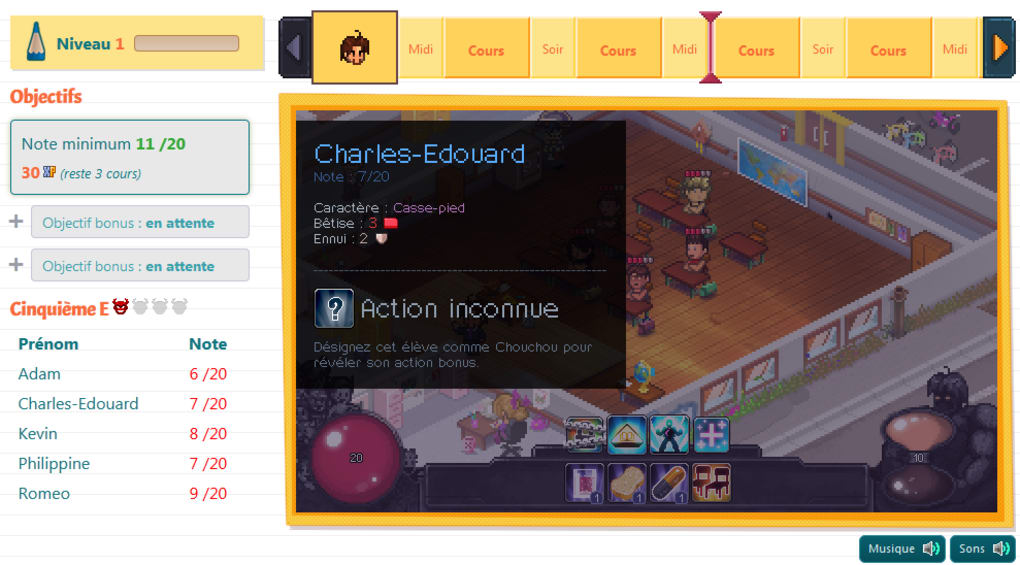
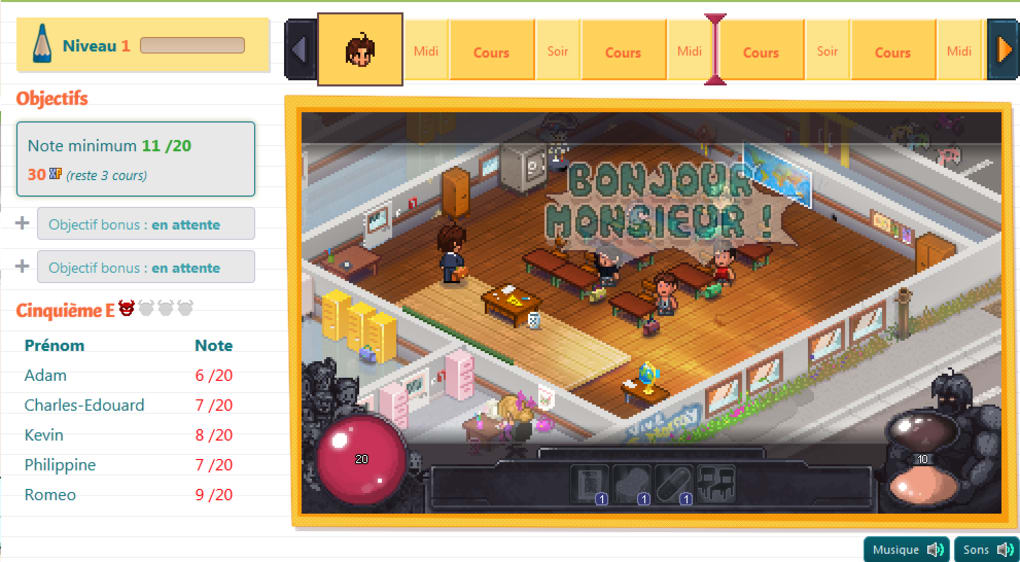
Teacher Story distinguishes itself from typical tactical RPGs by integrating educational concepts into every turn. Each class you conduct is broken down into twelve distinct turns, allowing you to choose actions such as “Explain Concept,” “Group Work,” “Surprise Quiz,” or “Disciplinary Warning.” These actions consume a portion of your self‑control bar, which depletes when students become noisy or distracted. Managing this bar is crucial; once it hits zero, you risk losing a turn or facing a penalty that can lower overall class morale. The game also incorporates a grading system that reflects the cumulative impact of your decisions. Successful lessons boost student grades, unlocking new content, while poor performance can trigger “parent meetings” that temporarily suspend your progress.
- Turn‑based tactical combat with a classroom theme.
- Dynamic self‑control bar that reacts to student behavior.
- Grade‑based progression system unlocking new lessons and challenges.
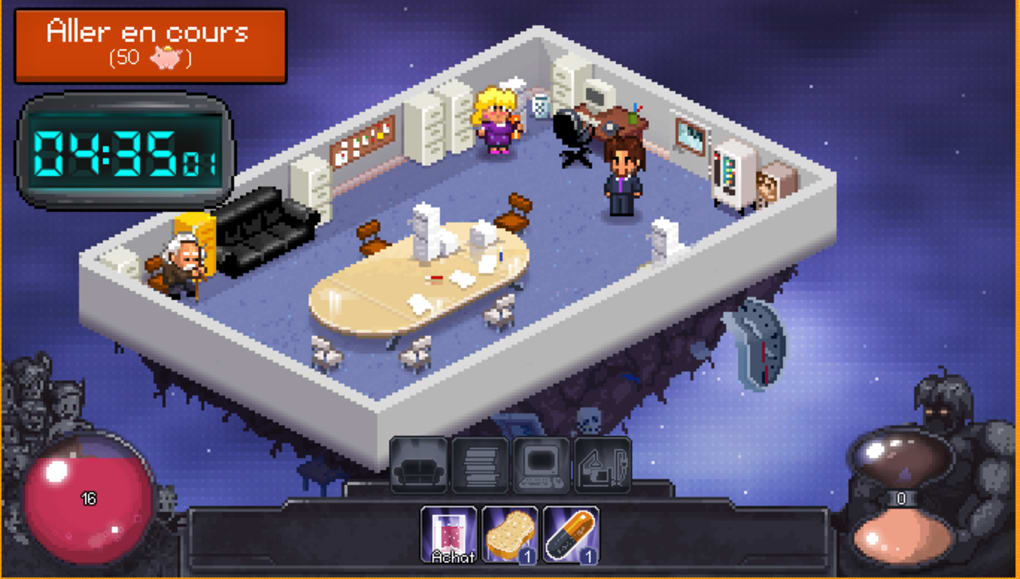
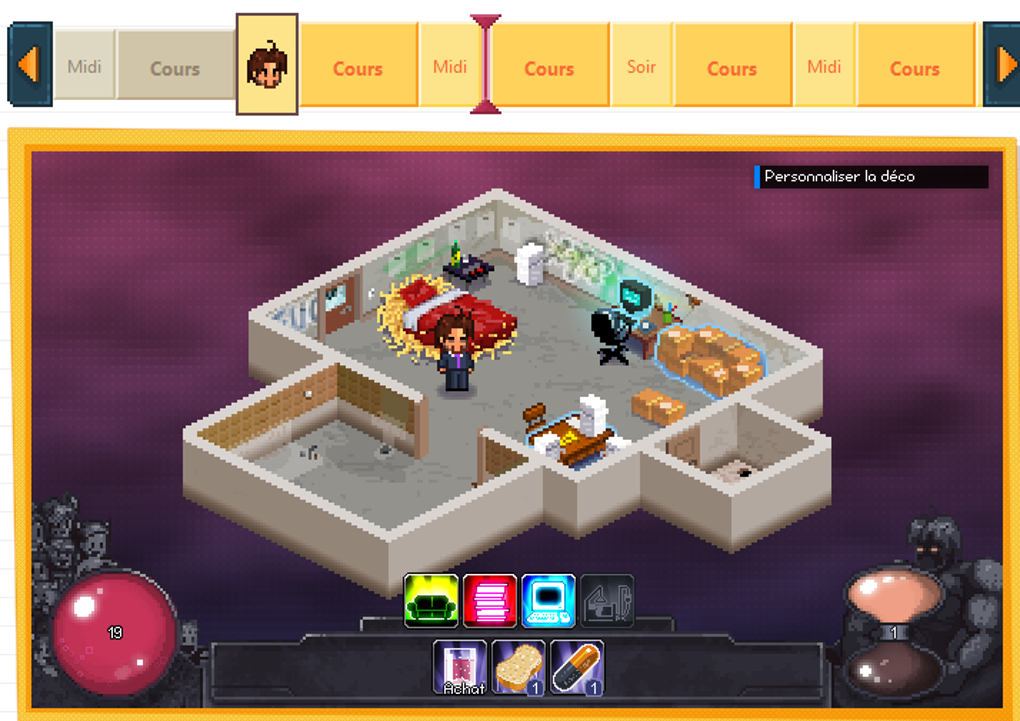
- Rich, hand‑drawn graphics and animated classroom environments.
- Witty dialogue and numerous hidden Easter eggs for replay value.
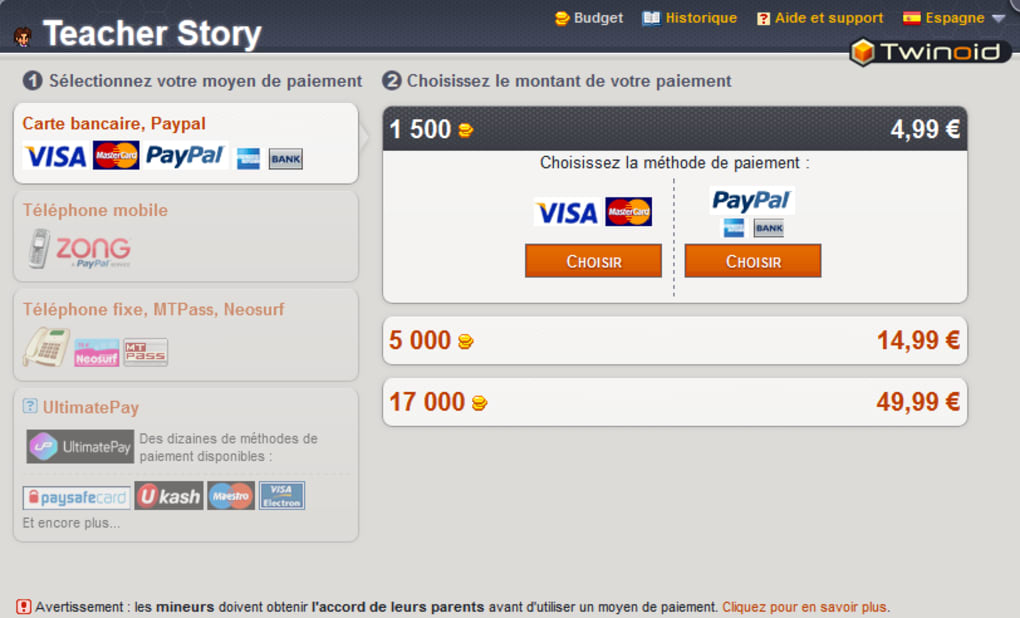
- Free-to‑play model with optional micro‑transactions for instant session access.
- Cross‑platform browser support – no download required.
- Regular updates adding new subjects, student archetypes, and classroom tools.
- Community leaderboards showcasing the highest‑scoring teachers.
The strategic depth lies in balancing short‑term gains (like a quick quiz to raise grades) against long‑term stability (maintaining self‑control). Players quickly learn that aggressive tactics may lead to immediate grade spikes but can also cause burnout, represented by a rapid drop in the self‑control bar. Conversely, a more measured approach—mixing engaging activities with occasional discipline—keeps the class steady and ensures sustainable progress. This nuanced design makes Teacher Story both entertaining and thought‑provoking, especially for educators who enjoy puzzle‑like problem solving.
Installation, Usage & Compatibility
Because Teacher Story runs entirely in a web browser, the installation process is virtually nonexistent. Simply visit the official website, create a free account, and you’re ready to start teaching. The game is built on HTML5 and WebGL, ensuring smooth performance on modern browsers without the need for additional plugins or downloads. For optimal experience, we recommend using the latest versions of Chrome, Firefox, Edge, or Safari.
Compatibility: The game works on Windows 10/11, macOS 10.15 and later, Linux distributions with a recent Chromium‑based browser, as well as mobile browsers on Android 8+ and iOS 13+. While the UI is optimized for desktop resolutions, a responsive layout adapts the classroom view for tablets and smartphones, allowing teachers to manage lessons on the go.
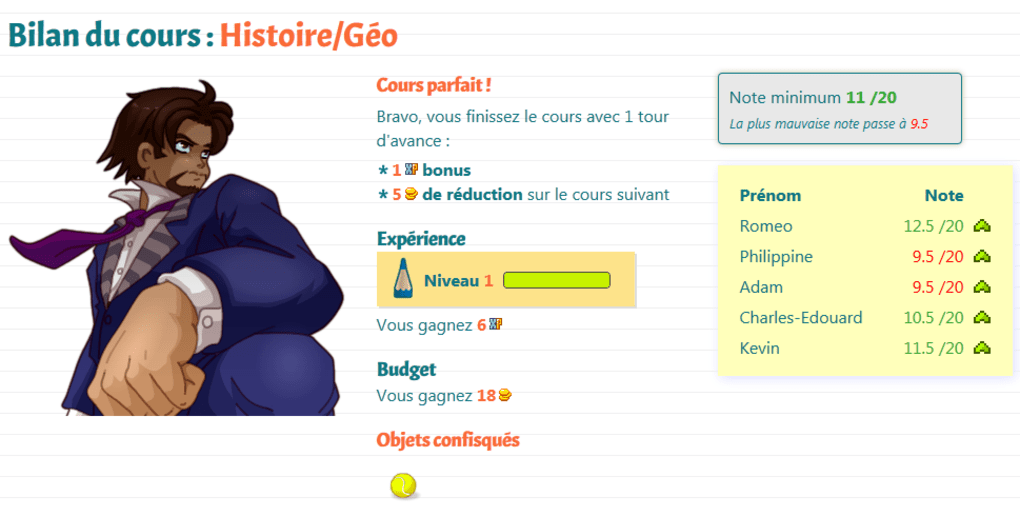
Usage instructions are straightforward. After logging in, you’ll be guided through a brief tutorial that explains the self‑control bar, the turn system, and the grading mechanics. Each new “day” presents a fresh class roster with varying skill levels and personalities. Select your lesson plan from the sidebar, allocate actions to each turn, and monitor real‑time feedback through on‑screen indicators. When the session ends, you’ll receive a summary report showing grade changes, self‑control usage, and any special events that occurred (such as surprise inspections).
If you encounter performance hiccups, clearing your browser cache or disabling unnecessary extensions often resolves the issue. Because the game saves progress server‑side, you can safely close the tab and resume later without losing data. For players interested in the paid “instant‑play” option, a simple in‑game purchase unlocks immediate access to the next session, bypassing the mandatory waiting timer.
Pros, Cons, FAQ & Conclusion
Pros
- Unique educational twist on the tactical RPG genre.
- Beautiful hand‑drawn art and engaging classroom atmosphere.
- Free to play with optional paid shortcut for impatient players.
- Cross‑platform browser support eliminates installation barriers.
- Strategic depth that rewards thoughtful resource management.
Cons
- Mandatory waiting periods between free sessions can be frustrating.
- Repetitive background music may affect long play sessions.
- Micro‑transaction model might feel aggressive to some users.
- Limited content for players who prefer fast‑paced progression.
Frequently Asked Questions
Is Teacher Story truly free to play?
Yes, the core game is free. However, a mandatory waiting timer of up to seven hours is applied between free sessions. Players can pay a small fee to remove the timer and continue playing instantly.
Do I need any special software to run the game?
No. Teacher Story runs entirely in modern web browsers that support HTML5 and WebGL. Chrome, Firefox, Edge, and Safari are all compatible.
Can I play Teacher Story on my mobile device?
Absolutely. The game is responsive and works on Android 8+ and iOS 13+ browsers, though the UI is best experienced on larger screens.
How does the self‑control bar work?
Each action you take consumes a portion of the self‑control bar. Student chatter, disruptive behavior, or overly harsh disciplinary actions drain it faster. If the bar empties, you lose a turn or incur penalties that affect grades.
Is there a way to earn in‑game currency without spending real money?
Yes. Completing lessons, achieving high grades, and participating in daily challenges reward you with “Class Points,” which can be used to purchase cosmetic items or minor gameplay boosts.
Conclusion & Call to Action
Teacher Story offers a refreshingly original blend of education and tactical gameplay that will captivate both strategy enthusiasts and educators alike. Its stunning art style, clever mechanics, and cross‑platform accessibility make it a standout free web game. While the waiting timer can hinder momentum, the optional instant‑play purchase provides a reasonable workaround for those who want uninterrupted sessions. Overall, Teacher Story is a fun, thought‑provoking experience that rewards strategic planning and patience.
Ready to step into the classroom and test your teaching tactics? Download Teacher Story now and start shaping the future—one grade at a time.
Teacher Story delivers an innovative gameplay loop that successfully merges classroom management with tactical RPG combat. Its visual charm and strategic depth outweigh the occasional frustration from the free‑to‑play waiting system, earning it a solid 4.2‑star rating.
Guides & Tutorials for Teacher Story
How to install Teacher Story
- Click the Preview / Download button above.
- Once redirected, accept the terms and click Install.
- Wait for the Teacher Story download to finish on your device.
How to use Teacher Story
This software is primarily used for its core features described above. Open the app after installation to explore its capabilities.
User Reviews for Teacher Story 0
No reviews found




